Overleaf Web MCP
Let Claude, Codex, Cursor, or any Model Context Protocol client read, edit, compile, and review your Overleaf projects, signed in as you.


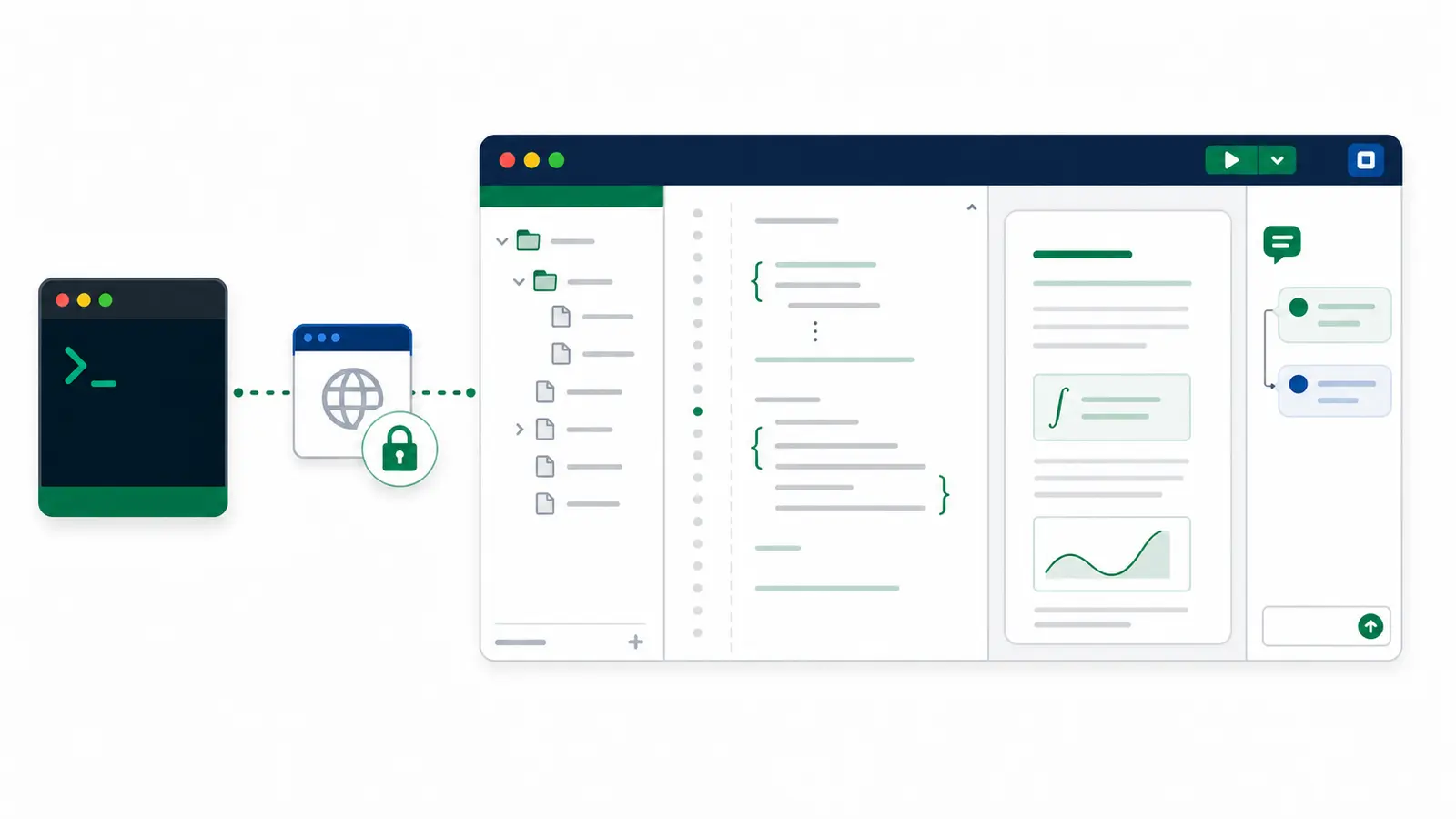
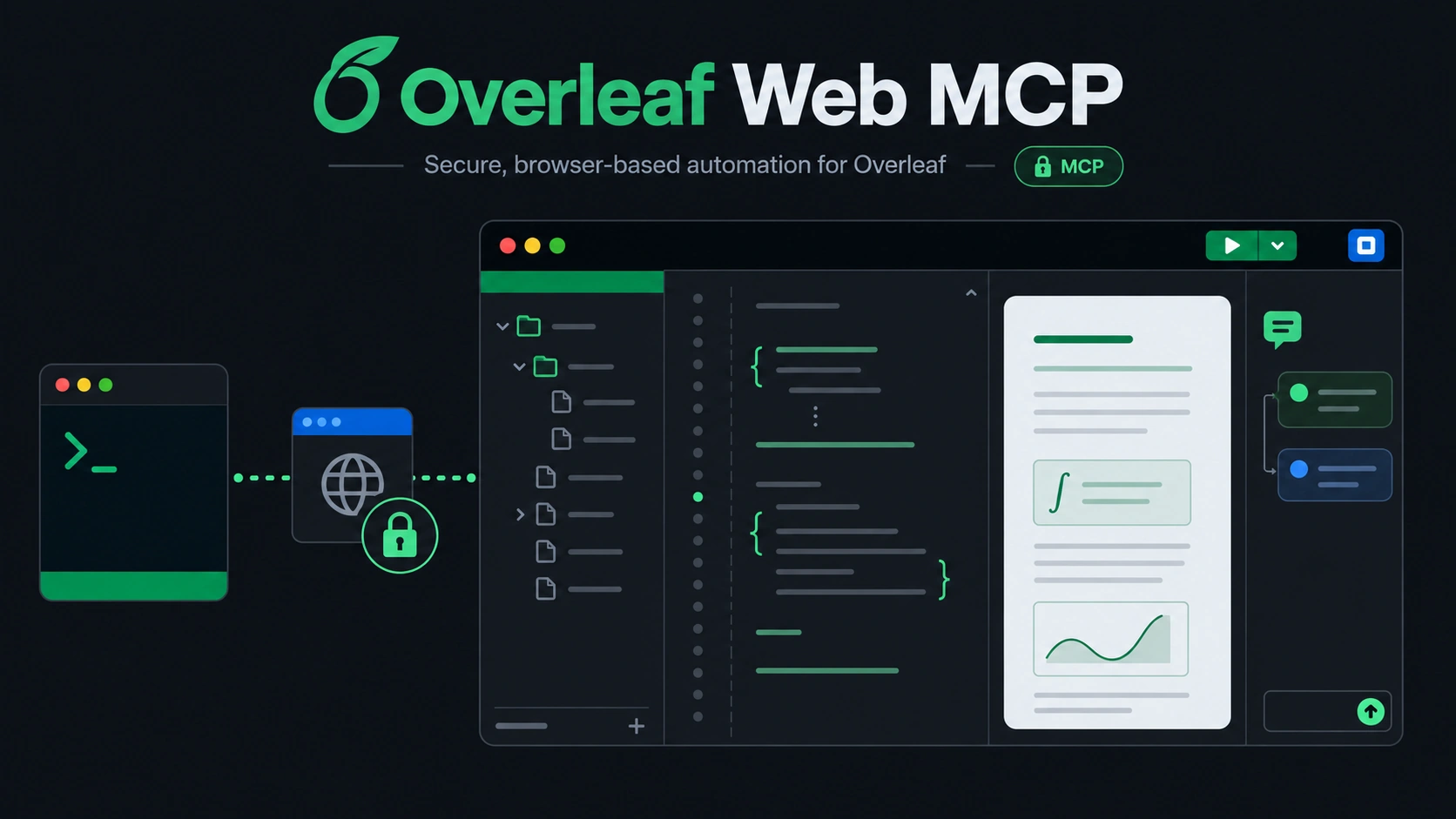
Overleaf Web MCP is a server that signs in to Overleaf once through a browser window you control, then lets an AI assistant work on your projects the way you would in the web editor. It uses the same browser-facing endpoints the Overleaf editor uses, so it needs no Git integration and no premium plan for the core workflow.
Note
It relies on Overleaf's private web APIs, which can change without notice, and automating
www.overleaf.com may carry Terms-of-Service and account risk. Read
what this does not protect against before
using an account you care about.
What you can say
Once connected, you talk to your assistant in plain language. The assistant picks the tools.
- "Create a new project called Grant renewal from the folder I zipped, and make
proposal.texthe root." - "List my Overleaf projects and open the one called Thesis."
- "Rewrite the introduction of
main.texfor a general audience, as a tracked change." - "Compile the paper and tell me whether it built cleanly, and where any errors are."
- "Which figures in
./figuresdiffer from what's in the project? Upload only those." - "Make the project match
~/papers/thesis, and show me what would be deleted first." - "Summarize the open review comments and reply to the one about Table 2."
What it can do
Start and manage projects. Create a blank or example project, clone one, or import a zip; rename, trash, restore, or archive projects with the name confirmed first; set the root document, TeX engine, and TeX Live image so the web editor's Recompile follows.
Browse and organize. List and search projects, read the file tree with the configured root document and compiler, create folders and files, rename, move, upload one file or a list of them, download a file or the whole project as a zip, and delete with confirmation.
Sync a folder. Compare a local folder with the project without changing anything, then upload only what changed, and optionally delete what you removed locally, in one confirmed call.
Write safely. Replace a whole document or a single section. Every edit is checked against the revision you read first, so a collaborator's concurrent change is reported instead of overwritten. Edits can be recorded as Overleaf tracked changes.
Work by section. Parse \section headings in a file, read one section, and replace one section.
Compile. Build the project's configured root document, or any document you name, and get its errors and warnings by file and line, with a clear answer on whether it built cleanly. Read the log, save the PDF or any other output locally, or stop a running compile.
Review. List comment threads with their locations, reply, add a comment anchored to exact text, and resolve or reopen threads.
Follow history. Poll recent project history with a version cursor to see who changed what.
How it keeps your project safe
- Text edits require the revision from a prior read and fail with a conflict if the document changed underneath.
- Tracked changes are opt-in and never silently downgraded to plain edits.
- Deletes require the path, or the number of entries, to be confirmed; downloads, including a whole-project zip, never overwrite a local file unless asked, and never touch the saved session.
- A folder sync needs the
planTokenfromplan_sync, and stops before changing anything if either side changed since the plan. An upload never replaces a file unless that is asked for. - An optional access policy limits which projects, local folders, and kinds of change the server may touch.
- A write that times out is observed, never resubmitted, so nothing is applied twice.
- Your session cookie stays on your machine in a file only you can read, and is never returned by any tool.
Details are in the safety model.
Next steps
- Install the server and connect your client.
- See example prompts and workflows.
- Look up any tool in the reference.